Spring Transactions Part 4: Production Optimization and Performance
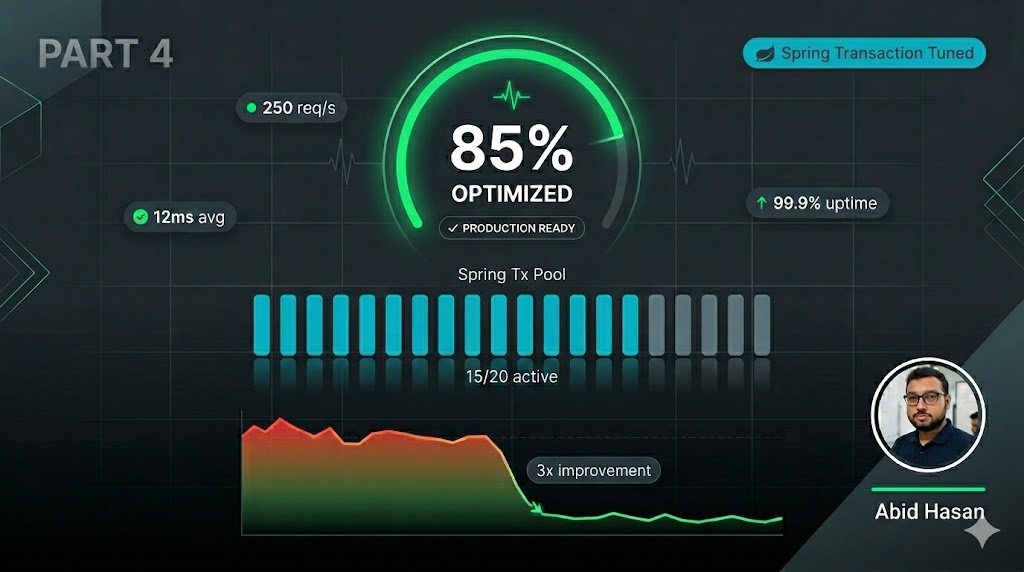
This is Part 4 of a 4-part series on Spring Transactions:
We've covered how Spring transactions work internally, mastered all configuration parameters, and learned to avoid common pitfalls. Now it's time to optimize for production environments.
Running transactions in production requires careful tuning and monitoring. What works in development often fails under real-world load. Let's explore how to make your transactions production-ready.
Quick Recap: Parts 1-3
Before diving into optimization, let's recall what we've learned:
- Part 1: Spring uses AOP proxies to intercept
@Transactionalmethods - Part 2: Propagation behaviors, isolation levels, timeout, readOnly, and rollback rules
- Part 3: Common pitfalls like self-invocation, private methods, and exception handling
Now, let's take this knowledge and optimize for production.
1. Connection Pool Tuning (HikariCP)
HikariCP is the default connection pool in Spring Boot 2.x+. Proper tuning is essential for production performance.
HikariCP Configuration
# application.yml
spring:
  datasource:
    hikari:
      # Core pool size - should match your concurrent transaction needs
      maximum-pool-size: 20

      # Minimum idle connections - keep warm for quick starts
      minimum-idle: 5

      # Connection timeout - fail fast if pool exhausted
      connection-timeout: 30000  # 30 seconds

      # Idle timeout - release unused connections
      idle-timeout: 600000  # 10 minutes

      # Max lifetime - prevents connection staleness
      max-lifetime: 1800000  # 30 minutes

      # Connection test query - validate connections before use
      connection-test-query: SELECT 1

      # Pool name - useful for monitoring
      pool-name: TransactionPool
Sizing Formula
Formula:
maxPoolSize = activeTransactions × avgTransactionDuration (seconds)
Example: If you have 50 concurrent transactions, each lasting 0.5 seconds:
maxPoolSize = 50 × 0.5 = 25 connections minimumCommon Issues and Solutions
Issue 1: Connection Pool Exhausted
HikariPool-1 - Connection is not available, request timed out after 30000msSolutions:
- Increase
maximum-pool-size - Reduce transaction duration (optimize queries)
- Check for connection leaks (transactions not closing)
Issue 2: Too Many Idle Connections
Symptoms: High memory usage, connections sitting idle
Solutions:
- Reduce
minimum-idle - Reduce
maximum-pool-size - Monitor actual usage patterns
Issue 3: Stale Connections
Symptoms: "Connection already closed" errors after long idle periods
Solutions:
- Reduce
max-lifetime(default is 30 minutes) - Enable
connection-test-query - Use database-level connection validation
2. Timeout Configuration Strategies
Set appropriate timeouts at multiple levels to prevent cascading failures.
Database-Level Timeout
@Transactional(timeout = 5)  // 5 seconds max
public void processPayment(Payment payment) {
    // ...
}
Spring-Level Default Timeout
# application.yml
spring:
  transaction:
    default-timeout: 10  # 10 seconds for all transactions
Hikari-Level Timeout
spring:
  datasource:
    hikari:
      # Time to wait for a connection from pool
      connection-timeout: 30000  # 30 seconds
Query-Level Timeout (JPA)
spring:
  jpa:
    properties:
      javax:
        persistence:
          query:
            timeout: 5000  # 5 seconds for JPA queries
Timeout Hierarchy
Query Timeout (lowest)
    ↓
Transaction Timeout
    ↓
Connection Pool Timeout (highest)
Best Practice: Set timeouts at each level. Query timeout should be < transaction timeout, which should be < connection timeout.
3. Read-Only Transaction Optimization
Mark read-only transactions to enable database optimizations:
@Transactional(readOnly = true)
public class AccountReadOnlyService {

    public List<Account> getActiveAccounts() {
        return accountRepository.findByActiveTrue();
    }

    public Account getAccountWithDetails(Long id) {
        Account account = accountRepository.findById(id).orElseThrow();
        // Fetch relationships while transaction is open
        account.getTransactions().size();
        return account;
    }
}
Benefits of Read-Only Transactions
- Performance: Database skips dirty checks and write locks
- Connection Pooling: Some pools route to read replicas
- Intent: Clearly signals the method doesn't modify data
- Caching: Some databases cache read-only query results
4. JPA/Hibernate Specific Optimizations
Fetch Joins Over N+1 Queries
The N+1 problem is a common performance killer:
// BAD: N+1 query problem
@Transactional(readOnly = true)
public List<Account> getAccountsWithTransactions() {
    List<Account> accounts = accountRepository.findAll();
    // This triggers a query for EACH account's transactions!
    return accounts;
}

// GOOD: Fetch join in one query
@Transactional(readOnly = true)
public List<Account> getAccountsWithTransactions() {
    return accountRepository.findAllWithTransactions();
}
Repository with fetch join:
@Query("SELECT a FROM Account a LEFT JOIN FETCH a.transactions")
List<Account> findAllWithTransactions();
Batch Inserts
Enable batch processing for bulk operations:
# application.yml
spring:
  jpa:
    properties:
      hibernate:
        jdbc:
          batch_size: 50
          order_inserts: true
          order_updates: true
Service implementation:
@Service
public class BatchInsertService {

    @Transactional
    public void batchInsert(List<Account> accounts) {
        for (int i = 0; i < accounts.size(); i++) {
            accountRepository.save(accounts.get(i));

            // Flush and clear to avoid memory issues
            if (i % 50 == 0) {
                entityManager.flush();
                entityManager.clear();
            }
        }
    }
}
Lazy Loading Strategies
Choose the right strategy for your use case:
@Entity
public class Account {
    // Default lazy loading
    @OneToMany(fetch = FetchType.LAZY, mappedBy = "account")
    private List<Transaction> transactions;

    // Eager for small, always-needed data
    @ManyToOne(fetch = FetchType.EAGER)
    private AccountOwner owner;

    // Lazy for large collections
    @ManyToMany(fetch = FetchType.LAZY)
    private List<Tag> tags;
}
5. Monitoring and Observability
Implement proper transaction monitoring to catch issues before they become outages.
Transaction Monitor Aspect
@Aspect
@Component
@Slf4j
public class TransactionMonitorAspect {

    @Around("@annotation(transactional)")
    public Object monitorTransaction(ProceedingJoinPoint pjp, Transactional transactional) throws Throwable {
        long startTime = System.currentTimeMillis();
        String methodName = pjp.getSignature().getName();
        String className = pjp.getTarget().getClass().getSimpleName();

        try {
            Object result = pjp.proceed();
            long duration = System.currentTimeMillis() - startTime;

            if (duration > 1000) {
                log.warn("Slow transaction: {}.{} took {}ms", className, methodName, duration);
            } else if (duration > 500) {
                log.info("Transaction: {}.{} took {}ms", className, methodName, duration);
            }

            return result;
        } catch (Exception e) {
            long duration = System.currentTimeMillis() - startTime;
            log.error("Transaction failed: {}.{} after {}ms", className, methodName, duration, e);
            throw e;
        }
    }
}
Spring Boot Actuator Configuration
# application.yml
management:
  endpoints:
    web:
      exposure:
        include: health,metrics,prometheus
  metrics:
    enable:
      hikaricp: true
      jdbc: true
      tomcat: true
    tags:
      application: ${spring.application.name}
    export:
      prometheus:
        enabled: true
Key Metrics to Monitor
| Metric | What It Tells You | Alert Threshold |
|---|---|---|
hikaricp.connections.active | Active connections | > 80% of max-pool-size |
hikaricp.connections.pending | Threads waiting for connection | > 0 consistently |
hikaricp.connections.max | Max pool size | N/A |
hikaricp.connections.min | Min idle connections | N/A |
jdbc.connections.active | Active JDBC connections | Trend upward = leak |
tomcat.sessions.active.current | Active sessions | Sudden spike = issue |
6. Distributed Transaction Considerations
For distributed transactions across multiple databases or services, traditional XA/JTA is often too heavy. Consider these patterns:
Option 1: REQUIRES_NEW for Independent Transactions
@Service
public class OrderService {

    @Transactional
    public Order createOrder(OrderRequest request) {
        Order order = orderRepository.save(new Order(request));

        // Independent transaction for inventory
        inventoryService.updateInventory(order);

        // Independent transaction for notification
        notificationService.notifyCustomer(order);

        return order;
    }
}

@Service
public class InventoryService {

    @Transactional(propagation = Propagation.REQUIRES_NEW)
    public void updateInventory(Order order) {
        // Commits independently even if order fails
        inventoryRepository.reserve(order.getItems());
    }
}
Option 2: Saga Pattern for Eventual Consistency
The Saga pattern breaks a transaction into a sequence of local transactions, each with a compensating action.
@Service
public class OrderSagaService {

    @Transactional
    public Order createOrder(OrderRequest request) {
        // Step 1: Create order
        Order order = orderRepository.save(new Order(request));

        // Start saga orchestrator
        sagaManager.startSaga(order.getId());

        return order;
    }
}

@Component
public class OrderSagaOrchestrator {

    public void processSaga(Long orderId) {
        try {
            // Step 1: Reserve inventory
            sagaStep1.reserveInventory(orderId);

            // Step 2: Process payment
            sagaStep2.processPayment(orderId);

            // Step 3: Confirm order
            sagaStep3.confirmOrder(orderId);

        } catch (Exception e) {
            // Compensating actions
            sagaStep3.cancelOrder(orderId);
            sagaStep2.refundPayment(orderId);
            sagaStep1.releaseInventory(orderId);
        }
    }
}
Avoid XA/JTA if possible: Two-phase commit (2PC) protocols severely impact performance. Prefer saga patterns or idempotent operations with eventual consistency.
When to Use Each Approach
| Approach | Use Case | Complexity | Performance |
|---|---|---|---|
| REQUIRES_NEW | Audit logging, independent operations | Low | Good |
| Saga Pattern | Multi-service operations, eventual consistency | High | Excellent |
| XA/JTA | Strong consistency required across databases | Medium | Poor |
7. Production-Ready Configuration Example
Here's a complete production configuration:
# application-prod.yml
spring:
  datasource:
    hikari:
      maximum-pool-size: 20
      minimum-idle: 5
      connection-timeout: 30000
      idle-timeout: 600000
      max-lifetime: 1800000
      connection-test-query: SELECT 1
      pool-name: TransactionPool
      leak-detection-threshold: 60000  # Detect connection leaks

  transaction:
    default-timeout: 10

  jpa:
    properties:
      hibernate:
        jdbc:
          batch_size: 50
          order_inserts: true
          order_updates: true
        cache:
          use_second_level_cache: true
          use_query_cache: true

management:
  endpoints:
    web:
      exposure:
        include: health,metrics,prometheus
  metrics:
    enable:
      hikaricp: true
      jdbc: true
    export:
      prometheus:
        enabled: true

logging:
  level:
    com.zaxxer.hikari: INFO
    org.springframework.transaction: DEBUG
    org.hibernate.SQL: DEBUG
    org.hibernate.type.descriptor.sql.BasicBinder: TRACE
Summary & Key Takeaways
Production Optimization Checklist
- Connection pool tuned for actual workload
- Timeouts configured at multiple levels
- Read-only transactions marked appropriately
- N+1 queries eliminated with fetch joins
- Batch processing enabled for bulk operations
- Monitoring implemented for slow transactions
- Connection leak detection enabled
- Distributed transaction pattern chosen (avoid XA/JTA)
- Metrics exported to observability platform
- Slow transaction alerts configured
Key Principles
- Measure first, optimize second - Use metrics to identify actual bottlenecks
- Connection pools are critical - Tuning properly prevents major issues
- Timeouts prevent cascades - Set at every level
- Read transactions are cheaper - Always mark read-only operations
- Monitoring is non-negotiable - You can't optimize what you don't measure
- Distributed trades consistency for performance - Use sagas, not XA/JTA
Final Advice: Start simple with default settings, then optimize based on your specific requirements and performance metrics. The
@Transactionalannotation is powerful, but with great power comes great responsibility. Use it wisely, test thoroughly, and monitor continuously in production.
Complete Series Recap
We've covered a lot across this 4-part series:
Part 1: Internals
- How AOP proxies intercept method calls
- The transaction lifecycle sequence
- PlatformTransactionManager role
Part 2: Parameters
- 7 propagation behaviors
- 5 isolation levels
- Timeout, readOnly, and rollback rules
Part 3: Pitfalls
- Private methods don't work
- Self-invocation bypasses proxy
- Exception handling mistakes
Part 4: Optimization
- HikariCP tuning
- Monitoring strategies
- Distributed transaction patterns
You're now equipped to master Spring transactions in any environment!
Key Takeaways from Part 4:
- HikariCP sizing:
maxPoolSize = activeTransactions × avgTransactionDuration (seconds)- Timeout hierarchy: Query < Transaction < Connection Pool
- Fetch joins prevent N+1 query problems
- Monitor slow transactions and connection pool metrics
- Avoid XA/JTA - prefer saga patterns for distributed transactions
- Measure first - optimize based on actual metrics, not assumptions
Tags
Related Posts
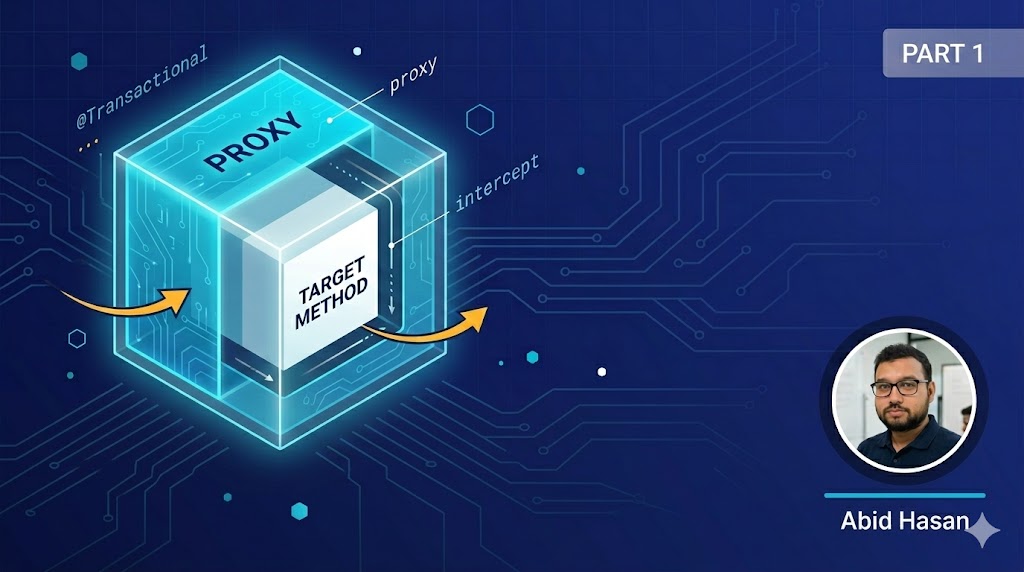
Spring Transactions Part 1: Understanding How It Works Under the Hood
Learn the internals of Spring's @Transactional annotation - how AOP proxies work, the transaction lifecycle, and the magic behind declarative transaction management.
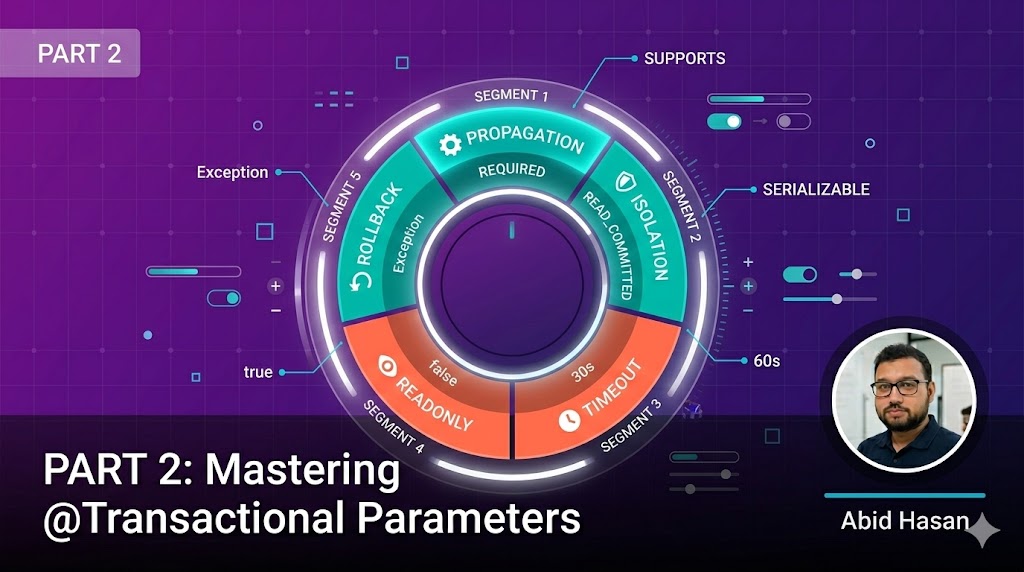
Spring Transactions Part 2: Mastering @Transactional Parameters
Deep dive into all @Transactional parameters: propagation behaviors, isolation levels, timeout, rollback rules, and when to use each configuration option.
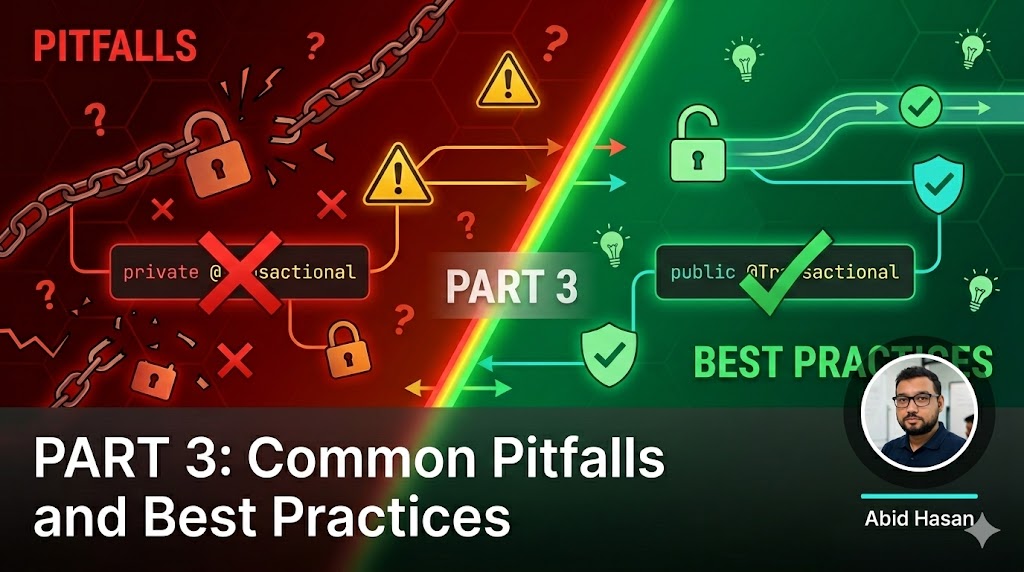
Spring Transactions Part 3: Common Pitfalls and Best Practices
Learn the common pitfalls even experienced developers make with @Transactional and the best practices that separate novices from experts.