Spring Transactions Part 3: Common Pitfalls and Best Practices
This is Part 3 of a 4-part series on Spring Transactions:
In Parts 1 and 2, we learned how Spring transactions work internally and mastered all the configuration parameters. Now it's time to tackle the common pitfalls that trip up even experienced developers.
Understanding what NOT to do is just as important as understanding what TO do. Let's explore these traps so you don't have to learn the hard way.
Quick Recap: Parts 1 & 2
Before diving into pitfalls, let's recall what we've learned:
- Part 1: Spring uses AOP proxies to intercept
@Transactionalmethods and manage the transaction lifecycle - Part 2: We mastered propagation behaviors, isolation levels, timeout, readOnly, and rollback rules
Now, let's put that knowledge to use while avoiding common mistakes.
Common Pitfalls & What to Avoid
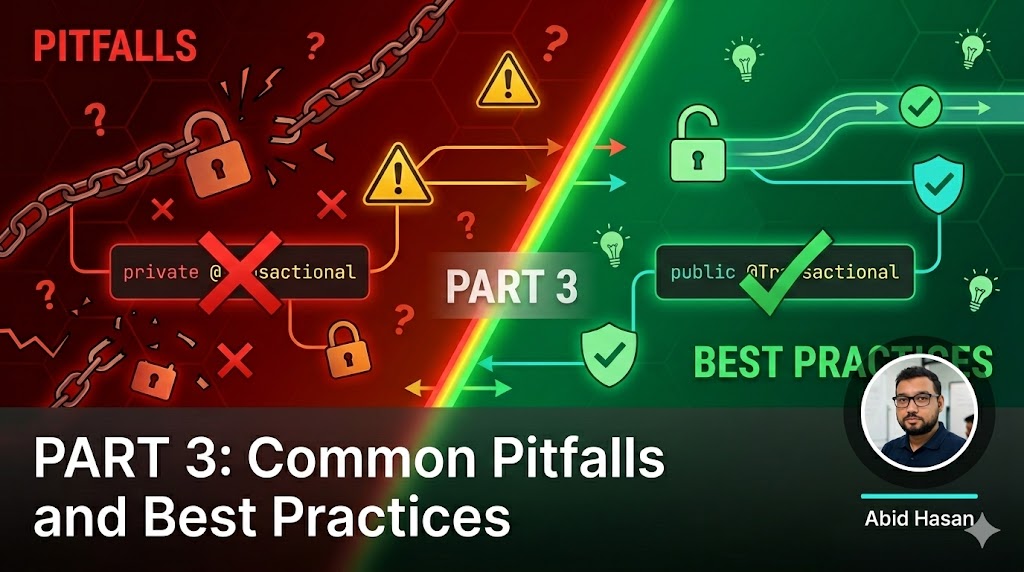
Pitfall 1: @Transactional on Private Methods (Won't Work!)
@Service
public class AccountService {
    // BAD: Private method - @Transactional won't work!
    @Transactional
    private void internalTransfer(Account from, Account to, BigDecimal amount) {
        // ...
    }
}
Why it fails: Spring creates proxies for public methods. Private methods are called directly on the object, bypassing the proxy entirely.
Solution: Make the method public or use AspectJ weaving instead of Spring AOP proxies.
@Service
public class AccountService {
    // GOOD: Public method
    @Transactional
    public void internalTransfer(Account from, Account to, BigDecimal amount) {
        // ...
    }
}
Pitfall 2: Self-Invocation Issues (The Proxy Problem)
This is the most common source of confusion and the #1 issue developers face with Spring transactions.
@Service
public class AccountService {

    @Transactional
    public void processBatch(List<Account> accounts) {
        accounts.forEach(this::processSingleAccount);  // Problem!
    }

    @Transactional(propagation = Propagation.REQUIRES_NEW)
    public void processSingleAccount(Account account) {
        // This won't run in REQUIRES_NEW!
        // It will join the existing transaction instead.
    }
}
Why it fails: When you call this.processSingleAccount(), you're calling the method directly on the object, bypassing the Spring proxy. The @Transactional annotation on processSingleAccount is never evaluated.
Visual explanation:
Solutions:
Solution 1: Self-inject the bean (Recommended)
@Service
public class AccountService {

    @Autowired
    private AccountService self;  // Spring will inject the proxy

    @Transactional
    public void processBatch(List<Account> accounts) {
        accounts.forEach(self::processSingleAccount);  // Now it works!
    }

    @Transactional(propagation = Propagation.REQUIRES_NEW)
    public void processSingleAccount(Account account) {
        // Now runs in REQUIRES_NEW transaction
    }
}
Solution 2: Use AopContext.currentProxy()
@Service
public class AccountService {

    @Transactional
    public void processBatch(List<Account> accounts) {
        accounts.forEach(account ->
            ((AccountService) AopContext.currentProxy())
                .processSingleAccount(account)
        );
    }

    @Transactional(propagation = Propagation.REQUIRES_NEW)
    public void processSingleAccount(Account account) {
        // ...
    }
}
This requires@EnableAspectJAutoProxy(exposeProxy = true) in your configuration.
Solution 3: Refactor to separate services (Cleanest)
@Service
public class AccountBatchService {
    private final AccountProcessor accountProcessor;

    @Transactional
    public void processBatch(List<Account> accounts) {
        accounts.forEach(accountProcessor::processSingleAccount);
    }
}

@Service
public class AccountProcessor {
    @Transactional(propagation = Propagation.REQUIRES_NEW)
    public void processSingleAccount(Account account) {
        // ...
    }
}
Pitfall 3: Exception Handling Mistakes
// BAD: Catching exception prevents rollback
@Transactional
public void transferMoney(Account from, Account to, BigDecimal amount) {
    try {
        accountRepository.debit(from, amount);
        accountRepository.credit(to, amount);
    } catch (Exception e) {
        logger.error("Transfer failed", e);
        // Transaction won't roll back because exception was caught!
    }
}

// GOOD: Let the exception propagate
@Transactional
public void transferMoney(Account from, Account to, BigDecimal amount) {
    accountRepository.debit(from, amount);
    accountRepository.credit(to, amount);
    // Exception propagates, transaction rolls back
}
Why it fails: Spring only rolls back when an exception propagates from the method. If you catch it, Spring assumes everything is fine and commits.
Solution: Either let exceptions propagate or use TransactionAspectSupport.currentTransactionStatus().setRollbackOnly():
@Transactional
public void transferMoney(Account from, Account to, BigDecimal amount) {
    try {
        accountRepository.debit(from, amount);
        accountRepository.credit(to, amount);
    } catch (Exception e) {
        logger.error("Transfer failed", e);
        // Explicitly mark for rollback
        TransactionAspectSupport.currentTransactionStatus().setRollbackOnly();
        throw e;  // Still re-throw
    }
}
Pitfall 4: Mixing Programmatic and Declarative Transactions
// BAD: Mixing approaches creates confusion
@Transactional
public void processPayment(Payment payment) {
    TransactionStatus status = transactionManager.getTransaction(...);
    try {
        // Which transaction management is in effect?
    } finally {
        transactionManager.commit(status);
    }
}

// GOOD: Stick to one approach
@Transactional
public void processPayment(Payment payment) {
    // Clean declarative transaction management
}
Why it's problematic: Mixing approaches creates unpredictable behavior and makes code hard to understand and debug.
Solution: Choose one approach and stick with it. Prefer declarative (@Transactional) for 95% of cases.
Pitfall 5: @Transactional on @Configuration Classes
// BAD: Don't do this
@Configuration
public class DatabaseConfig {

    @Bean
    @Transactional  // This doesn't make sense!
    public DataSource dataSource() {
        // ...
    }
}
Why it fails: Configuration beans are created during application startup, before the transaction infrastructure is fully initialized.
Solution: Never use @Transactional on @Configuration classes or @Bean methods.
Pitfall 6: Not Understanding Lazy Loading Exceptions
@Service
public class AccountService {

    @Transactional
    public AccountDTO getAccountDTO(Long id) {
        Account account = accountRepository.findById(id).orElseThrow();
        // Transaction commits here
        return new AccountDTO(account);
    }
}

// Later in AccountDTO
public class AccountDTO {
    public String getOwnerName() {
        // LazyLoadingException! Transaction already closed
        return account.getOwner().getName();
    }
}
Why it fails: Lazy-loaded relationships are only accessible within a transaction. Once the transaction commits, attempting to access lazy associations throws an exception.
Solution: Keep the transaction open or fetch necessary data within the transaction:
@Transactional
public AccountDTO getAccountDTO(Long id) {
    Account account = accountRepository.findById(id).orElseThrow();
    // Fetch lazy associations within transaction
    account.getOwner().getName();  // Initialize lazy relationship
    return new AccountDTO(account);
}
Or better yet, use a DTO projection:
public interface AccountDTO {
    Long getId();
    String getAccountNumber();
    String getOwnerName();  // Fetched in query
}

@Query("SELECT a FROM Account a JOIN FETCH a.owner WHERE a.id = :id")
AccountDTO findAccountDTOById(@Param("id") Long id);
Best Practices
After years of production experience, here are the practices that separate novice Spring developers from experts.
1. Keep Transactions Small and Focused
Long-running transactions hold database locks and reduce concurrency.
// BAD: Transaction includes time-consuming operations
@Transactional
public void processOrderWithNotifications(Order order) {
    orderRepository.save(order);
    emailService.sendConfirmation(order);  // Slow!
    smsService.sendSms(order);             // Slow!
    analyticsService.track(order);          // Slow!
}

// GOOD: Transaction only covers database operations
@Transactional
public Order processOrder(Order order) {
    return orderRepository.save(order);
}

// Call this after transaction commits
public void sendNotifications(Order order) {
    emailService.sendConfirmation(order);
    smsService.sendSms(order);
    analyticsService.track(order);
}
Rule of Thumb: Transactions should only contain database operations. External API calls, file I/O, and message publishing should happen after the transaction commits.
2. Use @Transactional at Service Layer, Not Controller
The service layer is where your business logic lives. Controllers should be thin.
// BAD: Transaction on controller
@RestController
public class AccountController {
    @Transactional
    public ResponseEntity<Account> createAccount(@RequestBody Account account) {
        // ...
    }
}

// GOOD: Transaction on service
@RestController
public class AccountController {
    private final AccountService accountService;

    public ResponseEntity<Account> createAccount(@RequestBody Account account) {
        return ResponseEntity.ok(accountService.createAccount(account));
    }
}

@Service
public class AccountService {
    @Transactional
    public Account createAccount(Account account) {
        return accountRepository.save(account);
    }
}
3. Mark Read-Only Operations Appropriately
Always set readOnly = true for operations that only read data:
@Transactional(readOnly = true)
public List<Account> getActiveAccounts() {
    return accountRepository.findByActiveTrue();
}

@Transactional(readOnly = true)
public Optional<Account> getAccount(Long id) {
    return accountRepository.findById(id);
}
4. Specify Rollback Exceptions Explicitly
Don't rely on default behavior for business-critical operations:
// Explicitly specify what should roll back
@Transactional(
    rollbackFor = {
        InsufficientFundsException.class,
        AccountLockedException.class
    },
    noRollbackFor = {
        ValidationException.class
    }
)
public void transferMoney(Account from, Account to, BigDecimal amount)
        throws InsufficientFundsException, AccountLockedException {
    // ...
}
5. Set Appropriate Timeouts
Prevent transactions from running indefinitely:
@Transactional(timeout = 5)  // 5 seconds
public void processTimeSensitiveOperation(Data data) {
    // ...
}
6. Use REQUIRES_NEW for Independent Transactions
When you need independent commit/rollback semantics:
// Main transaction
@Transactional
public void processPayment(Payment payment) {
    paymentService.process(payment);

    // This always commits, even if payment processing fails
    auditService.logPaymentAttempt(payment);
}

@Transactional(propagation = Propagation.REQUIRES_NEW)
public void logPaymentAttempt(Payment payment) {
    auditRepository.save(new PaymentAudit(payment));
}
Real-World Before/After Examples
Example 1: The Self-Invocation Fix
// BEFORE: Broken due to self-invocation
@Service
public class ReportService {
    @Transactional
    public void generateAllReports() {
        reportTypes.forEach(this::generateSingleReport);
    }

    @Transactional(propagation = Propagation.REQUIRES_NEW)
    public void generateSingleReport(ReportType type) {
        // Wont work - joins existing transaction
        reportRepository.generate(type);
    }
}

// AFTER: Fixed with self-injection
@Service
public class ReportService {
    @Autowired
    private ReportService self;

    @Transactional
    public void generateAllReports() {
        reportTypes.forEach(self::generateSingleReport);
    }

    @Transactional(propagation = Propagation.REQUIRES_NEW)
    public void generateSingleReport(ReportType type) {
        // Works - runs in new transaction
        reportRepository.generate(type);
    }
}
Example 2: Separating Transaction from External Calls
// BEFORE: Transaction held too long
@Transactional
public Order createOrder(OrderRequest request) {
    Order order = orderRepository.save(new Order(request));
    emailService.sendConfirmation(order);  // Holds transaction
    smsService.sendSms(order);              // Holds transaction
    return order;
}

// AFTER: Transaction only for database
@Transactional
public Order createOrder(OrderRequest request) {
    return orderRepository.save(new Order(request));
}

@EventListener
public void handleOrderCreated(OrderCreatedEvent event) {
    emailService.sendConfirmation(event.getOrder());
    smsService.sendSms(event.getOrder());
}
What's Next?
Now that you know the pitfalls and best practices, it's time to learn how to optimize your transactions for production.
In Part 4, we'll explore:
- HikariCP connection pool tuning strategies
- Timeout configuration at multiple levels
- JPA/Hibernate specific optimizations
- Monitoring and observability with Spring Boot Actuator
- Distributed transaction patterns (Saga pattern)
- Real-world production configurations
Continue to Part 4: Production Optimization →
Key Takeaways from Part 3:
@Transactionalonly works on public methods due to proxy limitations- Self-invocation is the #1 issue—use self-injection or refactor to separate services
- Don't catch exceptions without re-throwing or explicitly marking for rollback
- Keep transactions small and focused—only database operations
- Use
@Transactionalat the service layer, not controllers- Always mark read-only operations with
readOnly = true- Be aware of lazy loading exceptions and fetch data within transactions
Tags
Related Posts
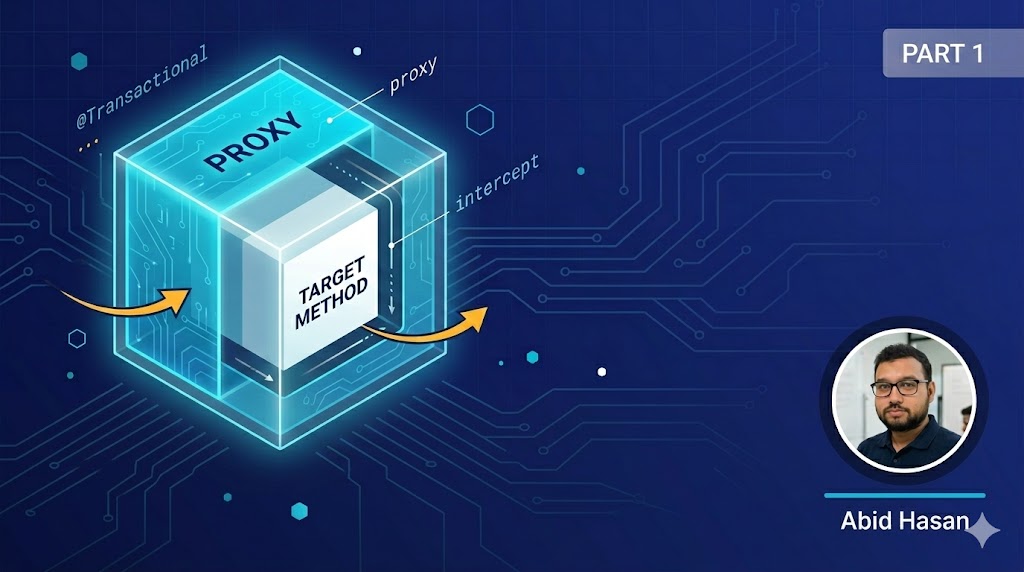
Spring Transactions Part 1: Understanding How It Works Under the Hood
Learn the internals of Spring's @Transactional annotation - how AOP proxies work, the transaction lifecycle, and the magic behind declarative transaction management.
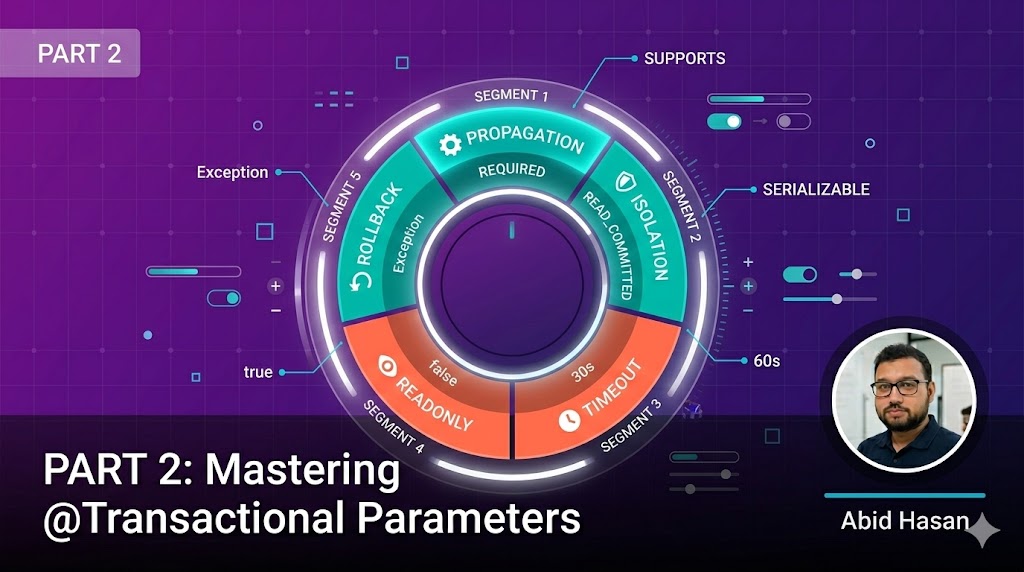
Spring Transactions Part 2: Mastering @Transactional Parameters
Deep dive into all @Transactional parameters: propagation behaviors, isolation levels, timeout, rollback rules, and when to use each configuration option.
Spring Transactions Part 4: Production Optimization and Performance
Learn how to optimize Spring transactions for production environments with connection pool tuning, monitoring strategies, and distributed transaction patterns.